
Use Case
Migrating to new asset operations ensures that asset operations is related to the new domain model and objects API.
Background
Using the old asset operations will drop some key features such as permissions and access of assets and values displayed. If you have an old installation this may not be set for you automatically.
Prerequisites
Access to the configuration files on the portal server, i.e. administrative access to portal host
Steps
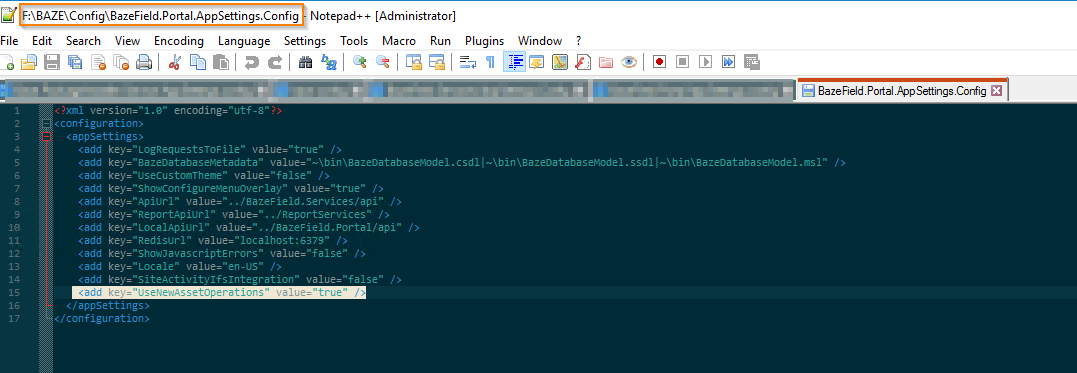
Step 1: Locate Portal App Settings config file. Update parameter
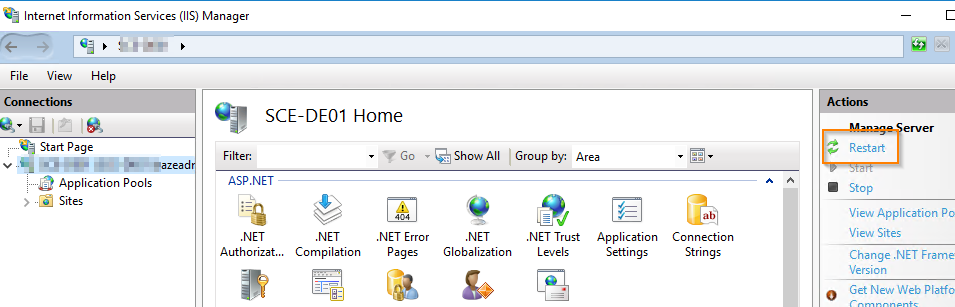
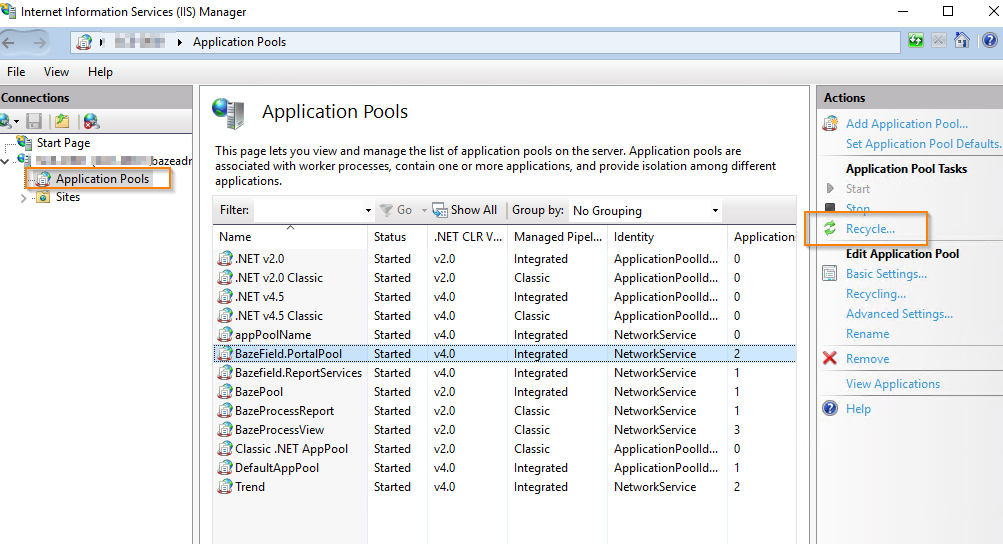
Step 2: Restart IIS or Recycle Portal App Pools
Step 3: Verify Results
Open Asset Operations on the portal and verify that data is being displayed as expected.
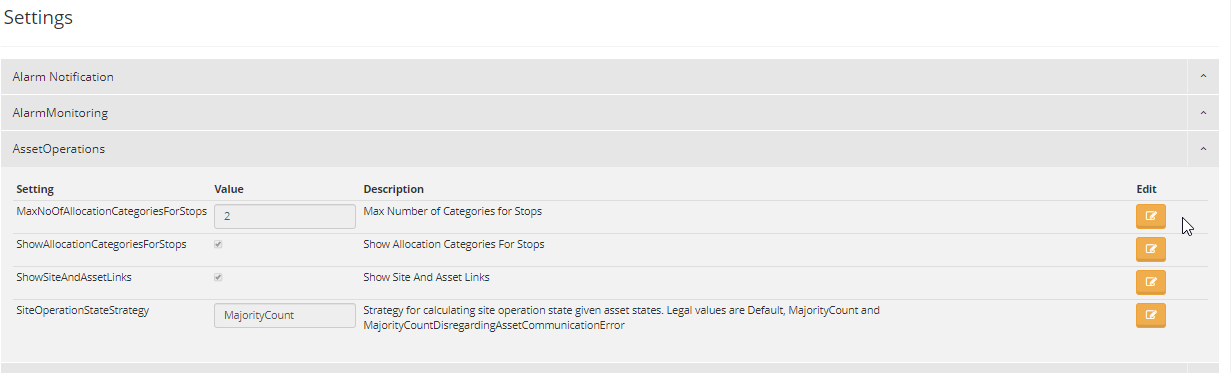
Check Settings for asset operations is in alignment with customer expectation.
Step 4: Troubleshooting
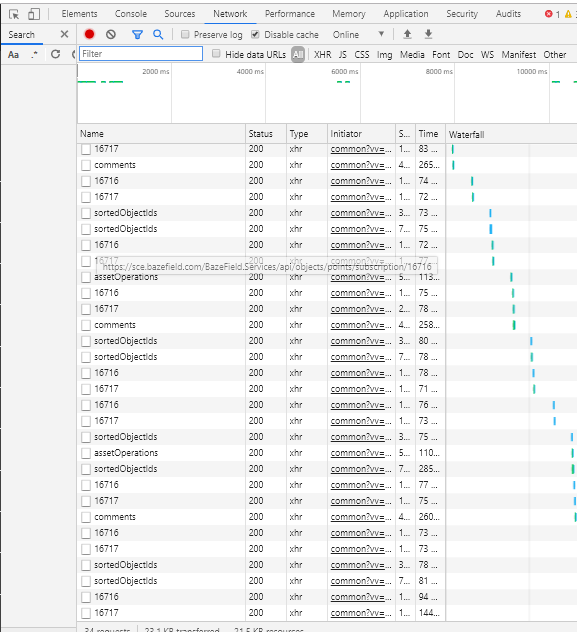
Verify the domain object API calls are returning and the domain model is setup by checking browser developer tools logging.
Product Environment and Version
Bazefield Portal 8.0.23.X