Product Version
Bazefield 12.3+
Ai Chat License
VeRO Quick Actions
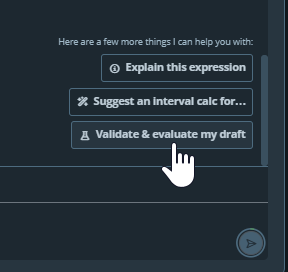
THere are a number of different surfaces that our Ai Chat VeRO can be in. We have the main drawer chat that works with whole applications and embedded dialog chats such as the Event Status/Summary Dialog. Each support their own form of quick actions.
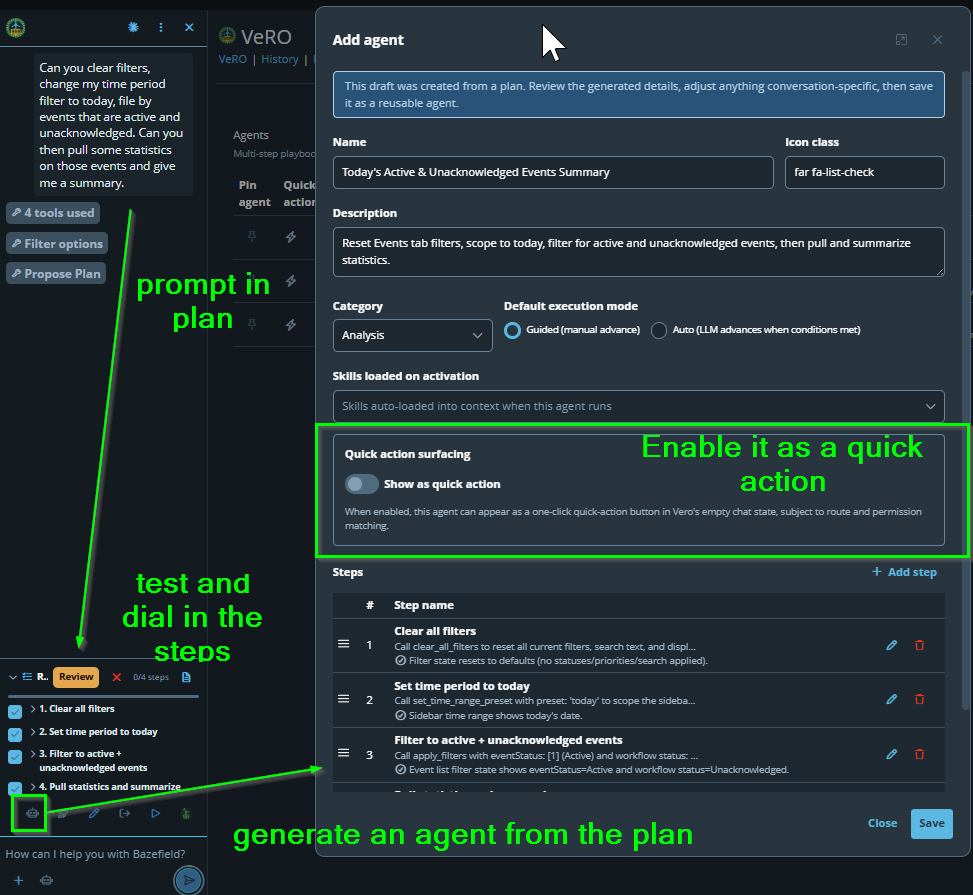
The main drawer is route based and hooked into agents. Agents are the ability to save a recipe or set of instructions and steps that are repeatable. These agents can be enabled as quick actions so you can access repeatable automations.
Route Awareness: It is important to select routes because this controls where the quick actions show up
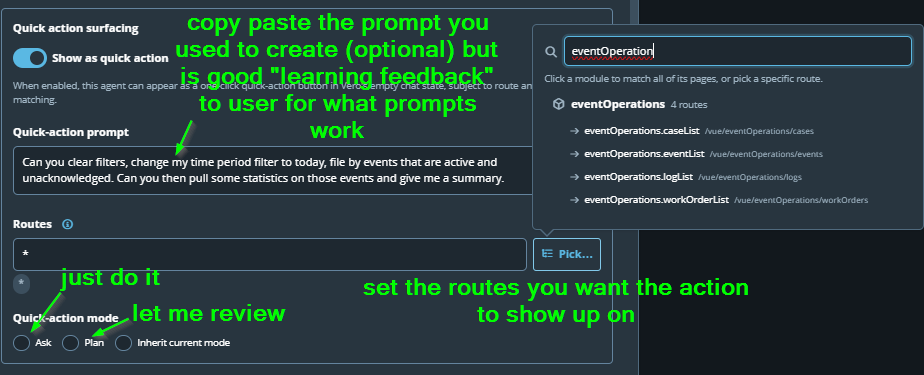
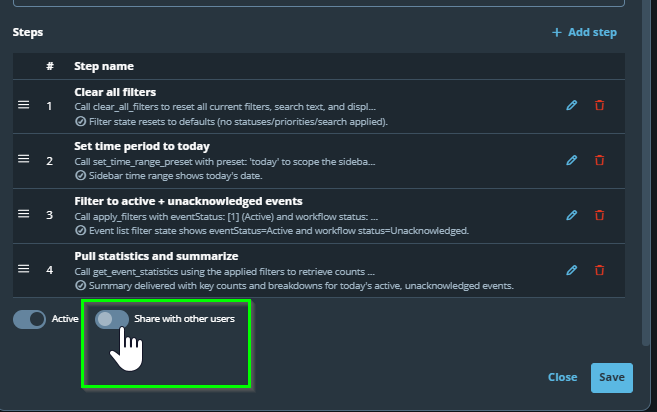
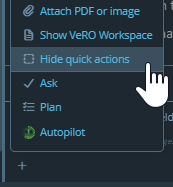
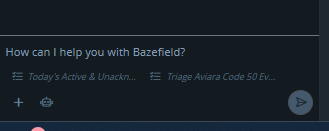
Quick Actions can either be hidden, shown as chips or as input text box buttons. You can toggle through these visibility options from the plus button on the bottom left of the input chat
This is also a User Setting you can override if you wish to "always hide for me" or system wide there is a global setting so delivery/administration folks can include or hide by default for the users on that particular install.