Product Version
Bazefield 12.3+
AI Chat License
Question
How can i get some quick statistics for my high priority events in bazefield event operations?
Background
Building quick actions via testing, plan mode, saving as agent and then as quick action. Allows users to setup personal or shared quick actions per route.
Answer
Step 1: Develop a prompt that fits your question
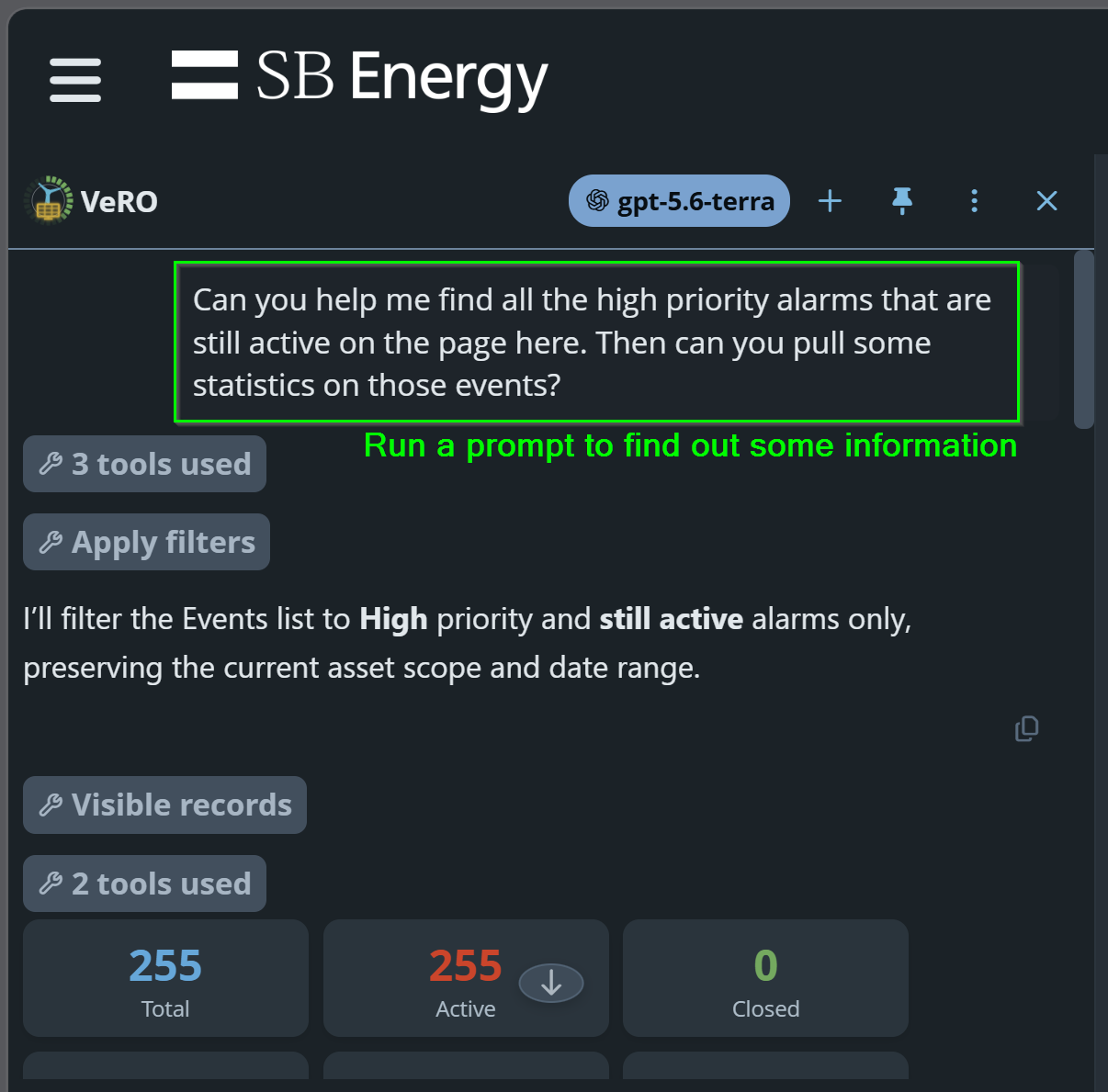
For example, you could do something like: "Can you help me find all the high priority alarms that are still active on the page. I want to pull some event statistics on those events"
Step 2: Take it to Plan Mode, then ask it to Review to Create a Plan
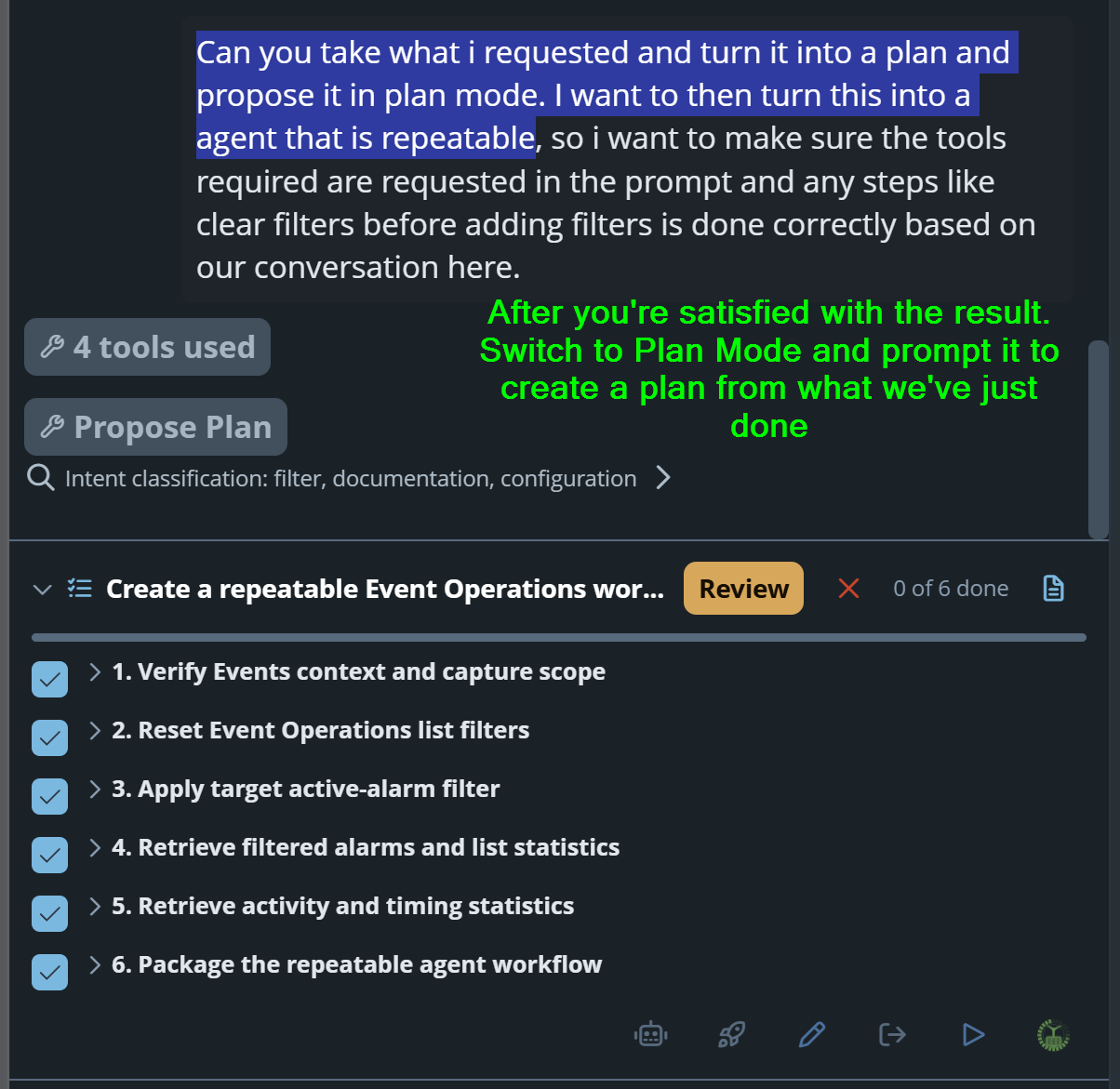
Asking the LLM to then review what we just did in this conversation and turn it into a repeatable plan in plan mode so we can do this again. Then review the plan it presents to make sure its outline the right steps.
Step 3: Create Agent from Plan
Use the Create agent from plan button to take the plan we've developed into a saved agent.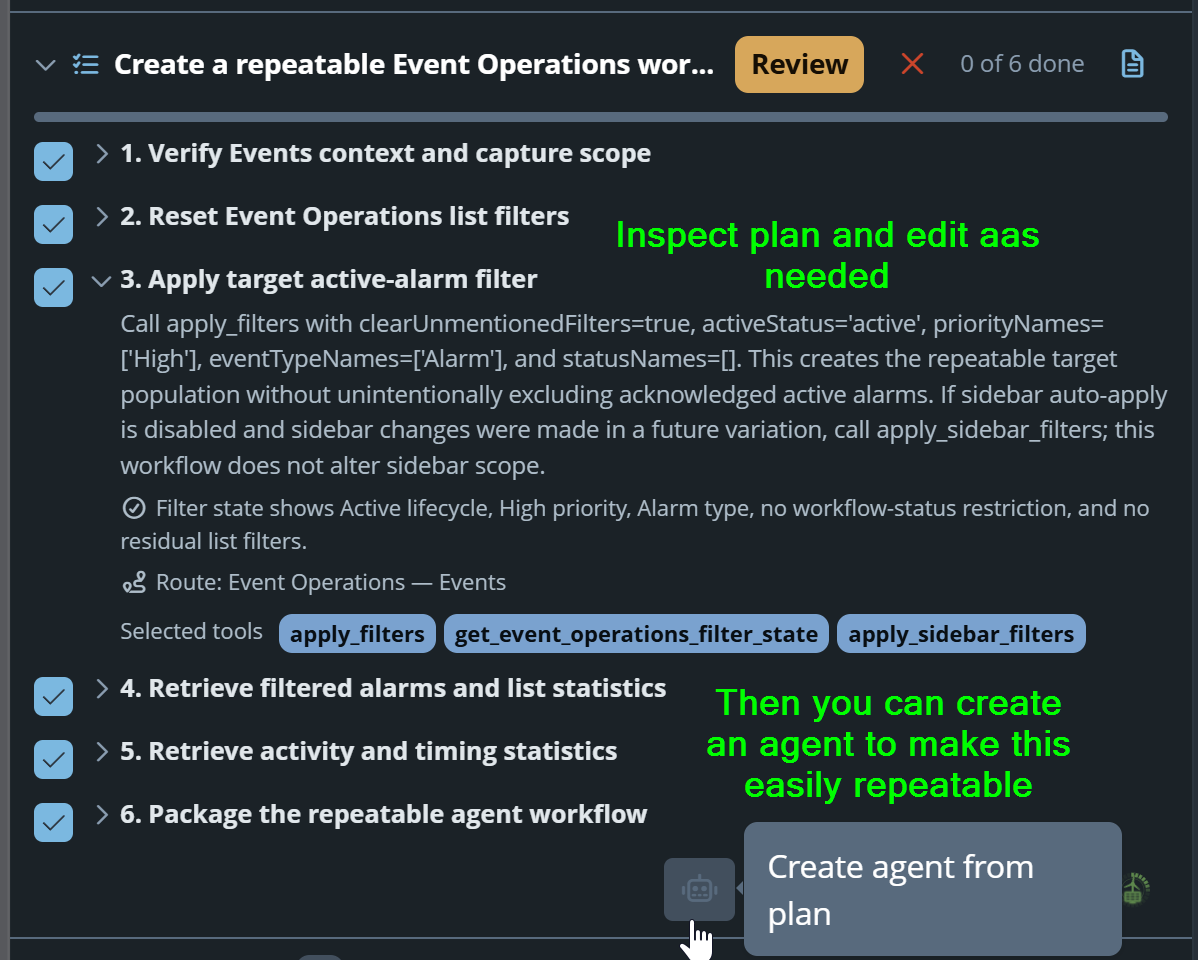
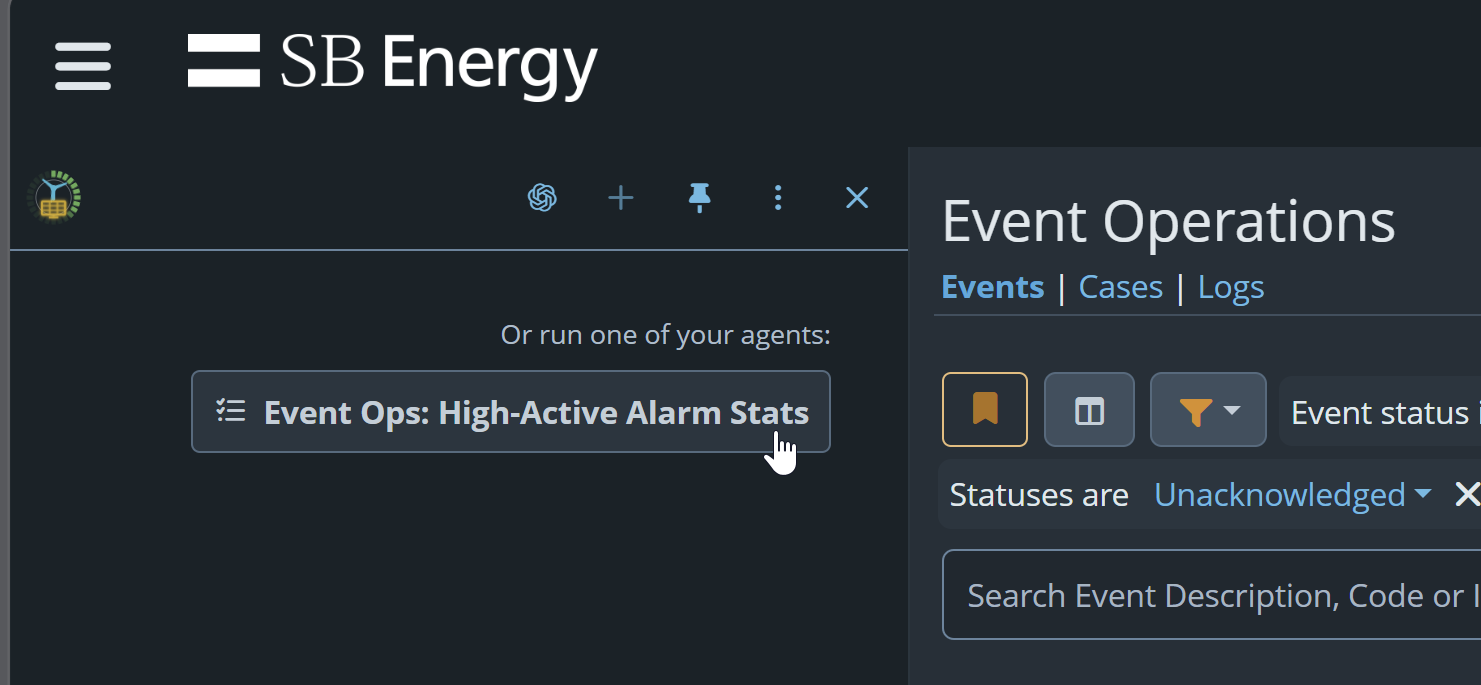
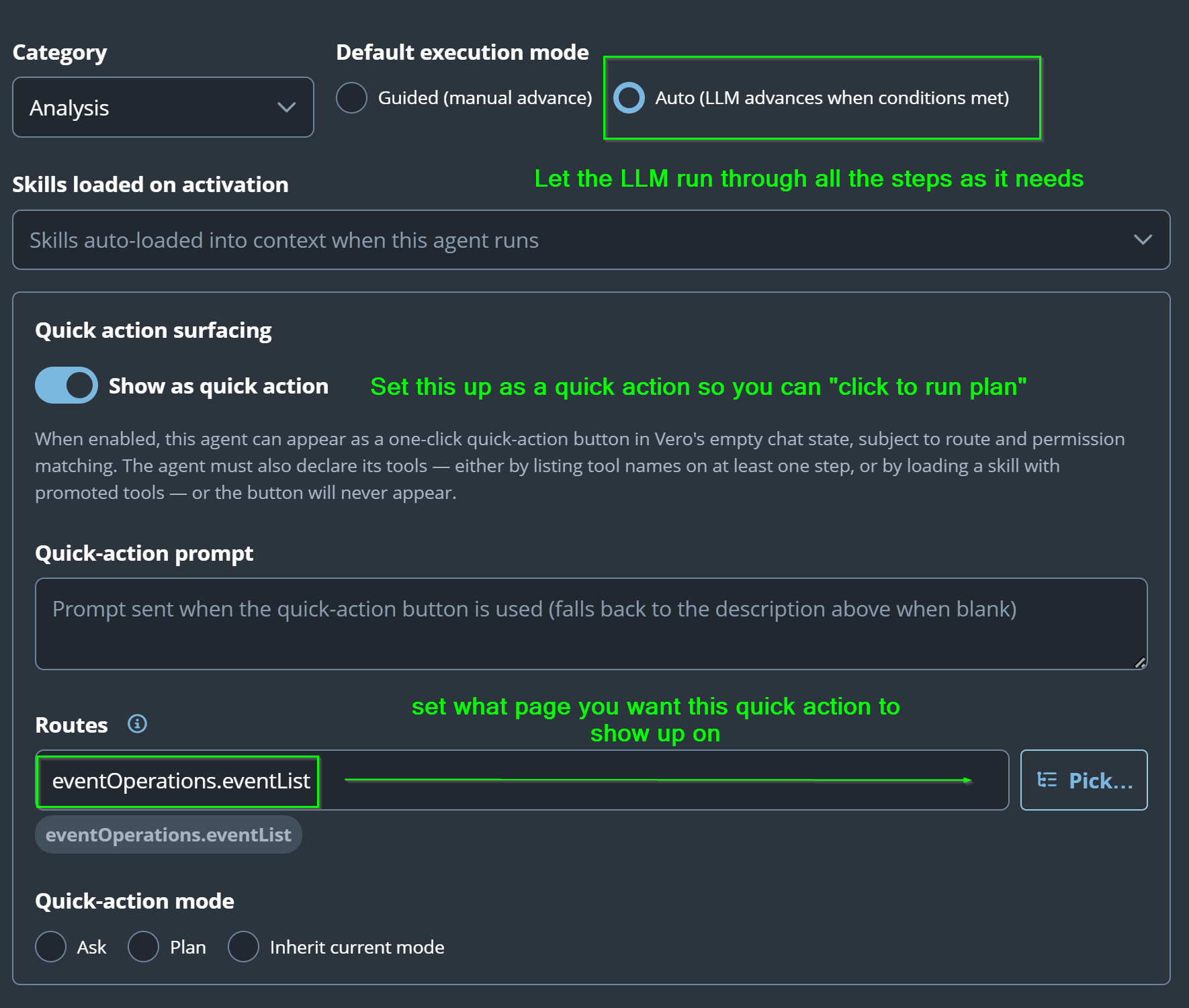
On the agent dialog, select the quick action toggle switch to enable this as a button press availability. Typically you'll want to select Auto execution mode, leave quick-action prompt as default, select the appropriate route from the pick list button (in our case event operations). Then click save.
Step 4: Give it a whirl!
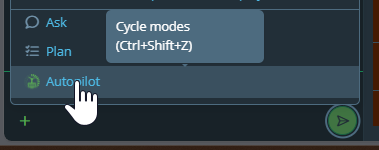
Typically switching to autopilot mode is handy way of getting the answer without having to interact with it. So give that a go for simple tasks like this: